Apple Silicon
M1 or newer
c72de89b26b4ed91c53e9bf1dd3c7e1913ccb31da29d9c4bd8a0c94fd6be23ac
Install the complete checkout, inventory, purchasing, and reporting workspace on your Windows PC.
Install the full OrachiPOS workspace for checkout, products, stock, purchases, reports, receipts, and everyday store operations.
f881f8932a15d90dc04835f7a95297170d0bbd45f2bc804e3940c609fd7551f1
Apple Silicon covers M1, M2, M3, M4, and newer chips. The Intel build supports older Intel-based Macs.
M1 or newer
c72de89b26b4ed91c53e9bf1dd3c7e1913ccb31da29d9c4bd8a0c94fd6be23ac
Intel processors
f1fc9a7ec45b0c7616d9bdc71bb04ab7df6526424d455875e941f9b275e0e4c9
This beta is not yet Apple-notarized. After copying OrachiPOS to Applications, Control-click the app, choose Open, then confirm Open. Verify the checksum above before installing.
No separate add-ons or scattered tools. The essentials arrive together and work as one system.
Fast sales, discounts, payments, and printable receipts.
Pricing, barcodes, categories, and live quantity tracking.
Suppliers, incoming stock, and complete purchase records.
Sales, profit, payments, and daily business performance.
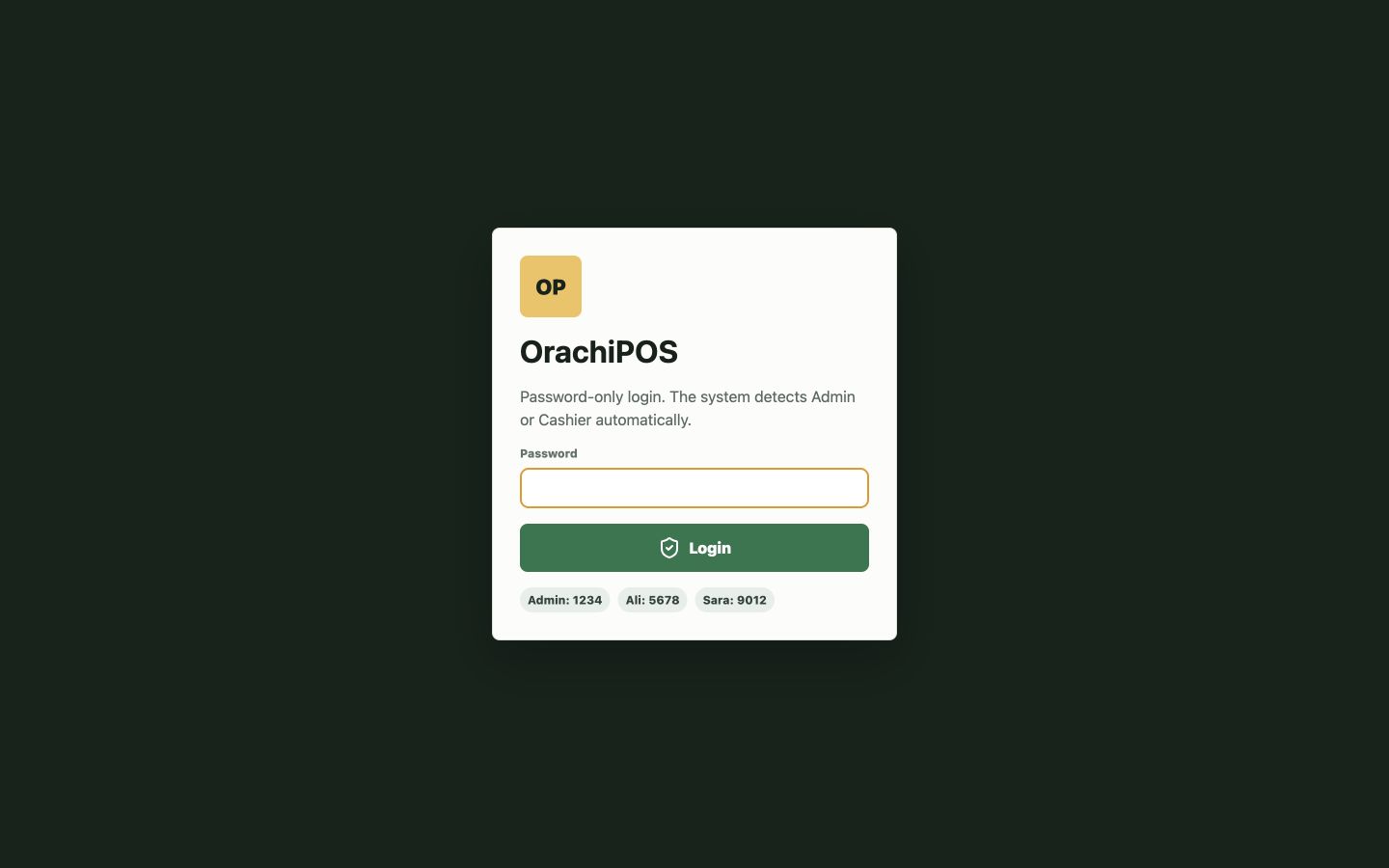
The guided installer handles the desktop setup. Open OrachiPOS, enter the activation key from your account, then let staff sign in.
Choose the installer that matches your Windows PC or Mac.
Run Windows Setup, or open the DMG and drag OrachiPOS to Applications.
Enter your account activation key, sign in, and begin your customized 14-day trial.
This beta installer is not yet code-signed, so Windows may show an “Unknown publisher” warning. Verify the checksum above before installing. A signed production installer is planned for the public release.
A standard Windows PC or modern Mac is all you need. POS accessories can be added when your workflow needs them.
Windows 10/11 (64-bit) or macOS 12 and newer, 4 GB RAM, and 500 MB free disk space.
USB barcode scanners and thermal receipt printers are optional and supported.
Internet is required for activation and periodic license checks. LAN is only needed for licensed multi-counter mode.